> For the complete documentation index, see [llms.txt](https://documentation.qure.ai/llms.txt). Markdown versions of documentation pages are available by appending `.md` to page URLs; this page is available as [Markdown](https://documentation.qure.ai/users-manual/qure.ai-app-users-manual/getting-started/installation-in-mobile.md).
# Installation in Mobile
The following are the steps to install the Qure.ai app on mobile.
1. Open the android/iPhone link and click **Install**/**Get** on the app.
2. Open the app, then click **Allow** to receive notifications.
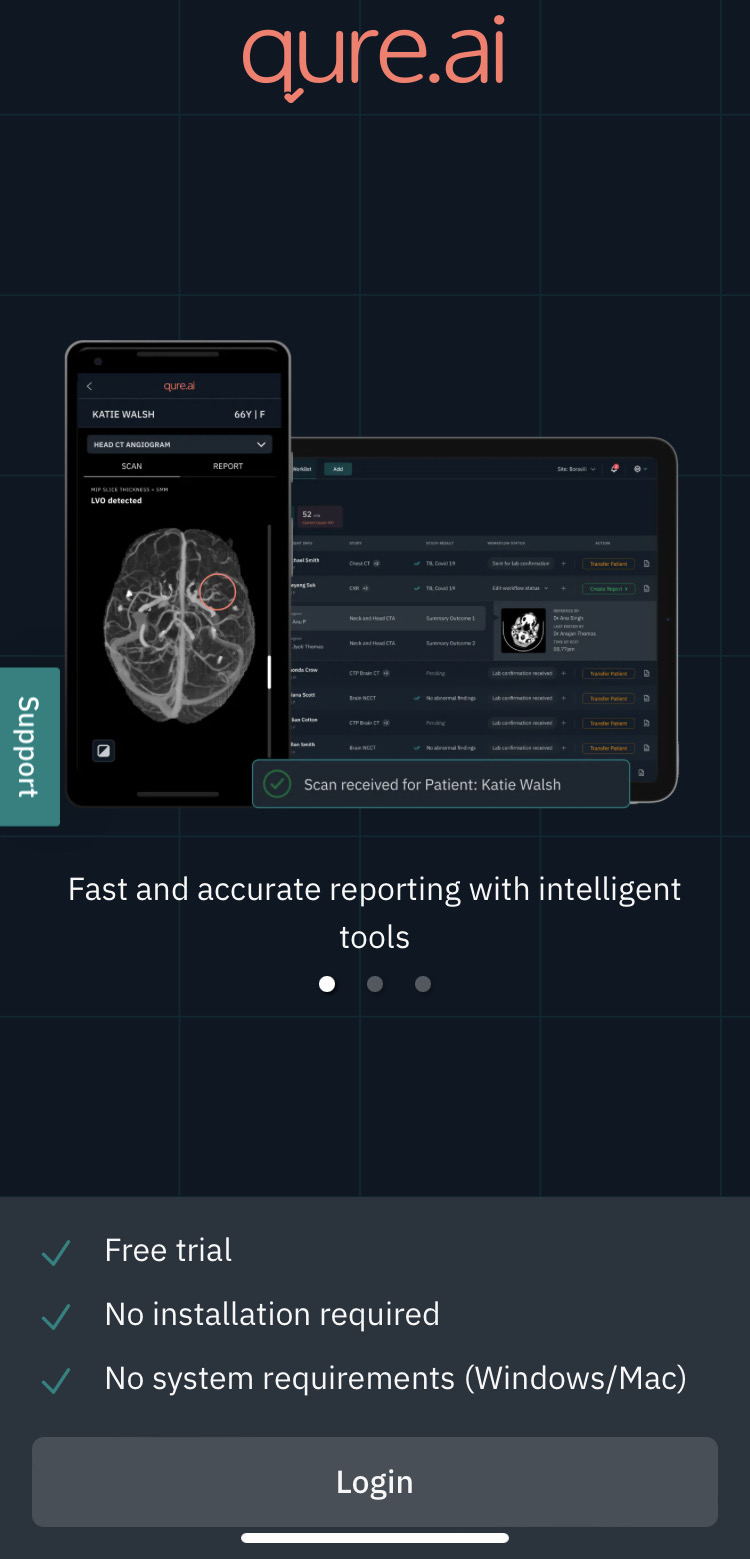
3. The app opens.
**Note**: To log in see [To Log In to Qure.ai App](broken://pages/qZWQi2X5EokdcnwD1QZa).